# Trading
We have a brief video guide covering standard market and limit order trading [here](https://www.youtube.com/watch?v=qxTplL3VncY) and a video covering professional order types [here](https://www.youtube.com/watch?v=TFSOCJyq_VE\&t=0s).
### Step 1
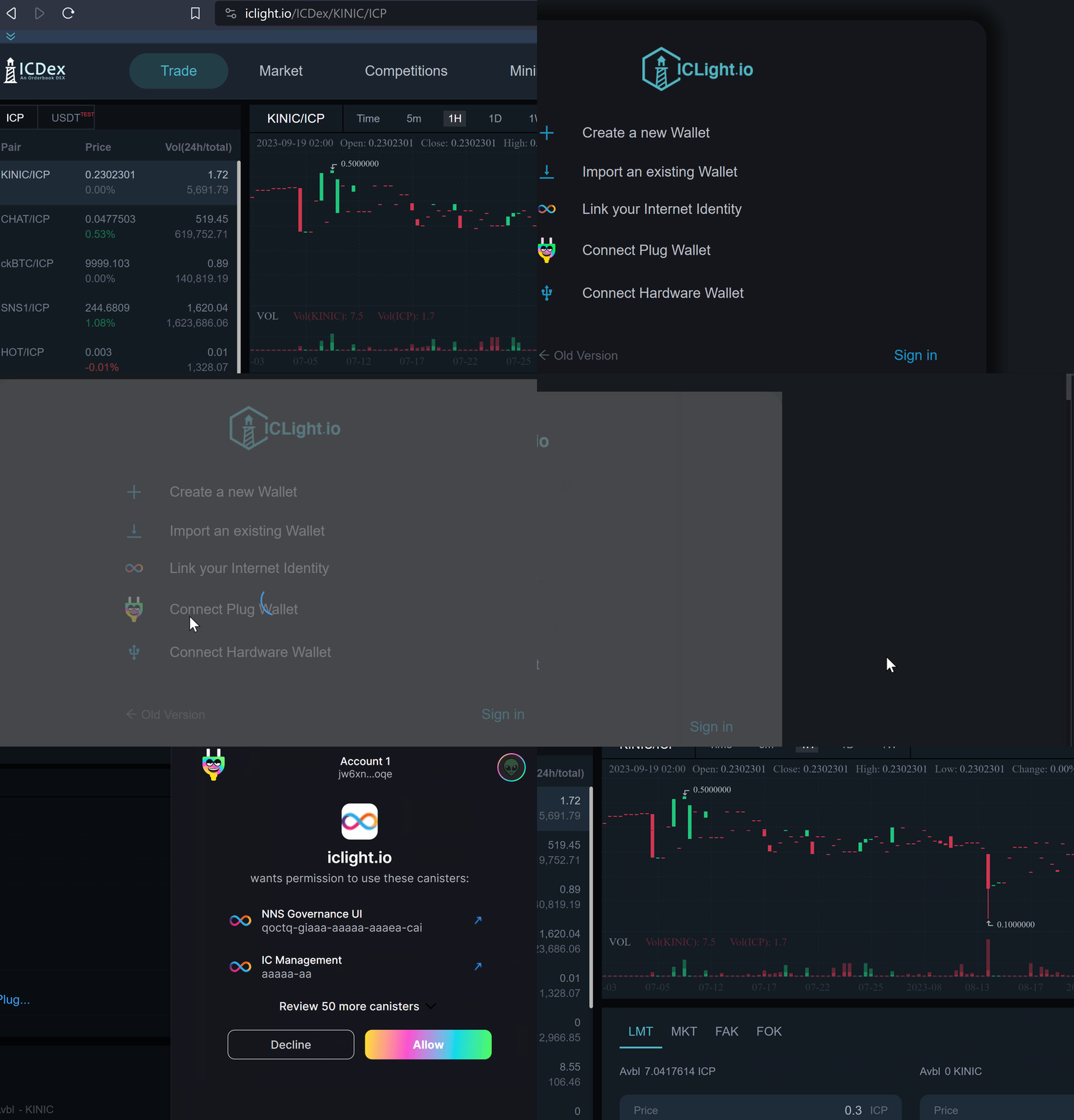
Connect a wallet to the platform ([click here for a walkthrough on making a wallet](/iclighthouse/products/icdex/guides/create-a-wallet.md)). In this example we use Plug but you can use any of the supported methods.
### **Step 2**
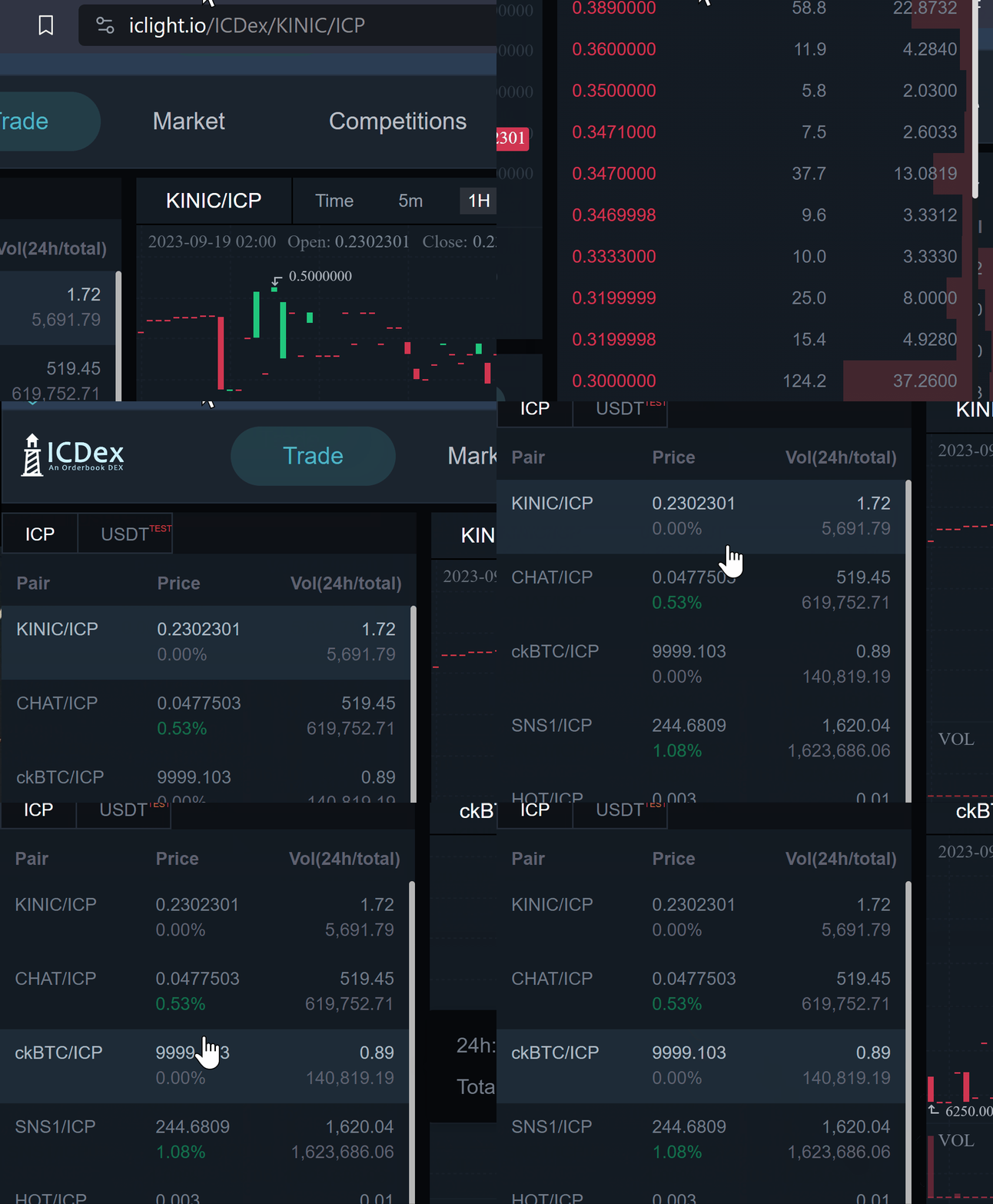
Select your desired trading pair from the drop down menu.
### Step 3
Determine your desired order type ([click here for a detailed overview of order types](/iclighthouse/products/icdex/how-does-icdex-work/what-are-the-four-primary-ordering-modes.md)) and place your order. Below is a demonstration of placing a "Buy" limit order but the process of placing an order is fundamentally the same between different order types.
---
# Agent Instructions: Querying This Documentation
If you need additional information that is not directly available in this page, you can query the documentation dynamically by asking a question.
Perform an HTTP GET request on the current page URL with the `ask` query parameter:
```
GET https://iclighthouse.gitbook.io/iclighthouse/products/icdex/guides/trading.md?ask=
```
The question should be specific, self-contained, and written in natural language.
The response will contain a direct answer to the question and relevant excerpts and sources from the documentation.
Use this mechanism when the answer is not explicitly present in the current page, you need clarification or additional context, or you want to retrieve related documentation sections.